


If your day feels like a constant loop of replying to emails, checking Teams, and being pulled into interruptions, you’re likely struggling to find time for deep focus – and you’re not alone.
Focus today can feel almost impossible.
The Reality You’re Probably Living In
Your workspace might look modern, open, and collaborative - exactly as it was designed to be - but that same environment often comes with:
· Constant background conversations
· Never-ending notifications
· Shared calendars dictate your day
· People dropping by “just for a second”
· Glass walls that invite interruptions instead of preventing them
Individually, none of these seems like a problem. Together, they create something much bigger:
A workplace where deep focus is constantly interrupted.
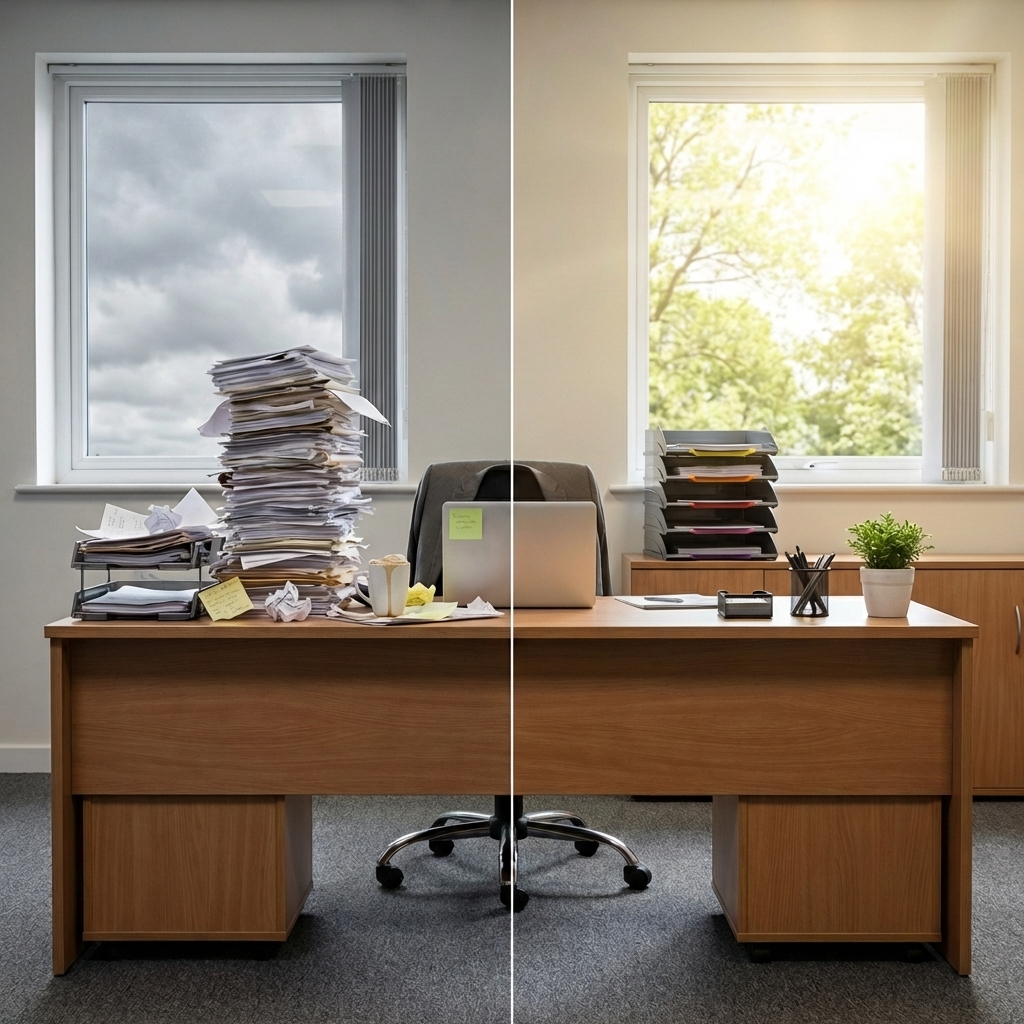
If you frequently find yourself struggling to get into ‘deep work’, it might be due to your environment, not your personal motivation.

What Actually Helps People Focus Again
When you look at high-performing environments, they don’t rely solely on willpower; they build in subtle, physical cues that make focus easier and interruptions less likely.
Here’s what that looks like in practice:
1. Environmental Focus Cues
People need clear signals - both for themselves and others - that it’s time to focus.
Something as simple as a visible indicator can reduce unnecessary interruptions:
· A desk setup that signals “focused work in progress”
· A clear visual cue that you’re in a meeting or unavailable
When these cues are missing, people default to interrupting - often without realising it
2. Visual and Spatial Boundaries
Open-plan doesn’t have to mean open-access.
Creating simple boundaries can dramatically improve concentration:
· Desk dividers that subtly separate space without isolating people
· Privacy screens that reduce the invitation for others to peer at your work
· Defined work zones that give people a sense of control over their environment
These adjustments aren’t about shutting people out - they’re about giving you the option to focus when you need to.
3. Designing for Attention, Not Just Collaboration
Most offices are built for communication, but few are designed for focus - this balance matters.
Simple additions can help:
· Infoframes or Door Signs that clearly show when you’re in a meeting and your available hours
· Visual indicators that reduce the need for interruptions
· Thoughtful workspace layouts that respect both collaboration and concentration
Even in a private office, without clear visual cues, interruptions still happen – whether it’s a quick knock “just to check something” or someone glancing through the glass to see if you’re available.
Why This Matters for You (and Your Team)
If your team struggles to focus, the cost isn’t always obvious - but it’s there:
· Lost productivity
· Increased stress
· Longer turnaround times
· More meetings to compensate for fragmented work
When you improve the environment, you don’t just make work more comfortable - you make it more effective.
A Better Way Forward
You don’t need to redesign your entire office to fix this.
Often, it’s the smaller, intentional changes that make the biggest difference:
· Adding subtle boundaries where there are none
· Introducing clear visual cues for focus and availability
· Giving people control over how and when they’re interrupted
Final Thoughts
If focus feels harder than it used to, it’s not just you - it’s your environment.
The good news is that’s something you can change



Leave a comment
All comments are moderated before being published.
This site is protected by hCaptcha and the hCaptcha Privacy Policy and Terms of Service apply.